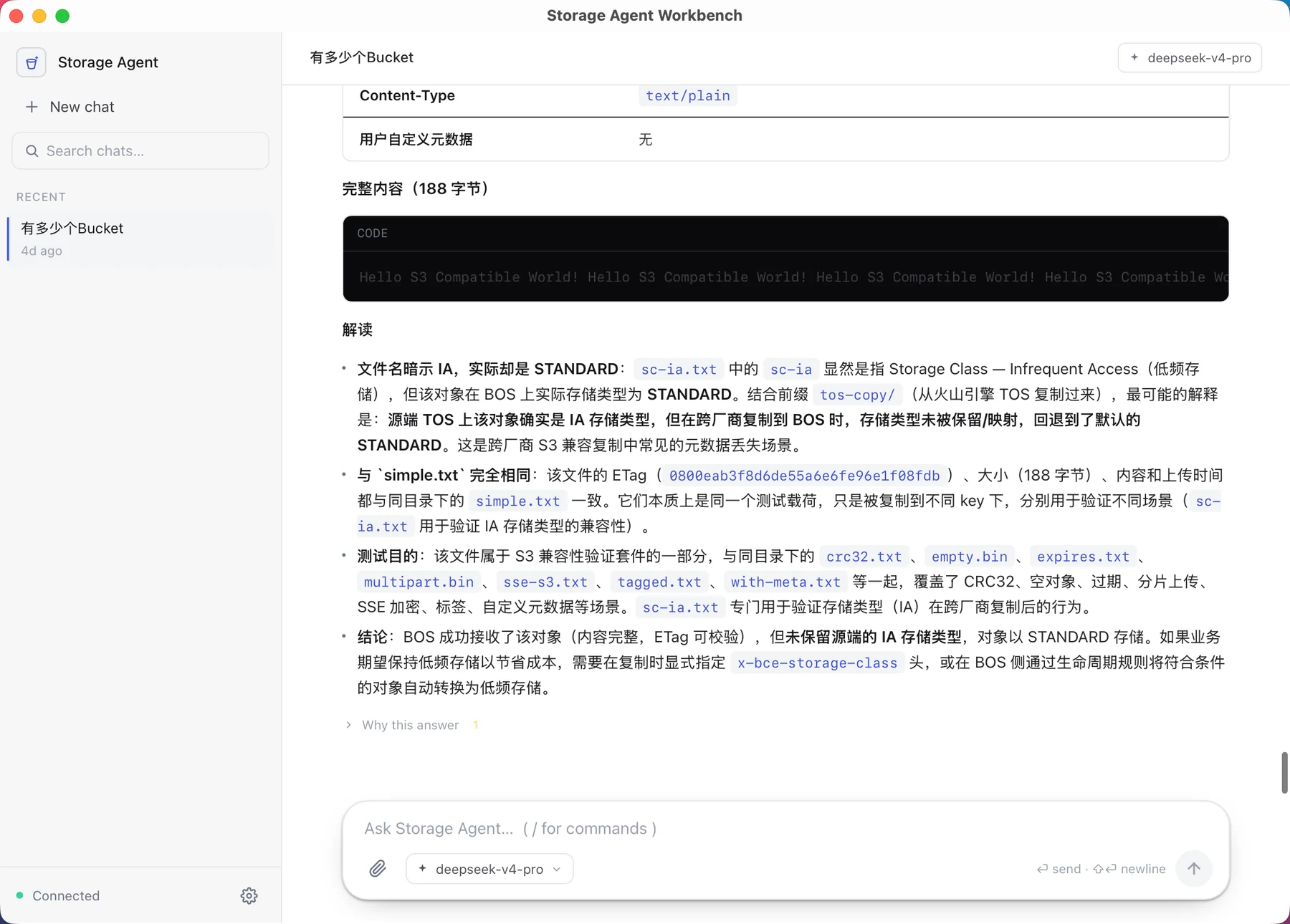
Native desktop agent

A native agent for object storage

Point it at your S3-compatible storage and ask — review config, analyze access logs, or triage a failing request. Keys and evidence stay on your machine.

Tauri desktop app · macOS, Windows, Linux · Apache-2.0

Storage Agent

Which bucket, log, or error should we check?

Read-only and never destructive — I'll ask before moving any data.

Ask Storage Agent… ( / for commands )
your model
Diagnose an errorAnalyze access logsInventory & capacityReview bucket configMap account & bucketsWhere cost concentrates
Read-onlyLocal-first

Native desktop agent

Ask about your storage, get evidence back

Start a chat or pick a task — bucket config, access logs, inventory, errors, or cost. The agent plans read-only checks, works in DuckDB on imported evidence, and cites the log rows or config lines behind each finding.

What it investigates

What it investigates

Review bucket configuration

Policies, ACLs, encryption, versioning, and public-access settings — flagged when a combination is risky.

Analyze access logs

Import access logs and query them in DuckDB: who read what, hot prefixes, and unusual access.

Inventory and capacity

Turn an inventory into answers about object counts, sizes, storage classes, and growth.

Map accounts and buckets

Sort out which buckets exist across accounts, what each is for, and which look orphaned.

Triage errors

Bring a failing request; it checks the object with range reads and metadata to narrow the cause.

Optimize cost and storage

See where cost concentrates and where lifecycle or tiering would actually help.

How a session runs

How a session runs

01

Ask in plain language

Start a chat, or pick a task like review bucket config or analyze access logs.

02

The agent plans

It picks read-only tools, reads policy, metadata, and logs, and works in DuckDB.

03

Evidence, not guesses

Findings come with the log rows, object metadata, or config lines they rest on.

04

You decide

Read the diagnosis, approve anything that moves data, and act with the evidence in hand.

Local and read-only

Local and read-only

Keys in a local vault

Credentials live in an encrypted vault on your machine and are never written to logs, reports, or model prompts.

Read-only cloud access

The agent can inspect but not write: no deletes, no overwrites, no configuration changes.

You approve data movement

Downloads, large scans, and dataset analysis always ask first — nothing leaves without your go-ahead.

FAQ

Which AI model does it use?

You bring your own: configure a model provider and key. The key stays in the local vault and is never sent anywhere but your chosen provider.

Does my data leave my machine?

No. Credentials, imported evidence, and analysis stay local; any action that moves data asks for consent first.

Can it change my storage?

No. Cloud access is read-only by design — no writes, deletes, or configuration changes.

How is this different from StorageOps?

StorageOps gives an existing agent (Pi) storage skills; Storage Agent is a self-contained desktop app that runs the whole investigation itself.

What platforms does it run on?

A Tauri desktop app for macOS, Windows, and Linux. The project is Apache-2.0.

Investigate your storage locally

Download Storage Agent